How to Close a Stripe Account and Close the Integration Cleanly
There are two ways a Stripe account ends. One is that Stripe ends it for you — a termination notice, a held balance, and a scramble to get back online. The other is that you decide to leave: you have outgrown the aggregator model, your rates no longer reflect your volume, or your vertical keeps triggering reviews you should not have to defend. This guide is about the second one, because it is the one you actually control — and the one people get wrong by doing the steps in the wrong order.
If you landed here because your account was closed for you, start with what to do when Stripe shuts you down instead. Everything below assumes you still have dashboard access, working API keys, and the luxury of choosing your own cutover date — a luxury that disappears the moment you click the wrong button first.
What closing a Stripe account actually does
Closing an account is not a single event. It is the end of a sequence that runs for months afterwards, and each part of that sequence has its own clock.
Closing stops you creating new charges. It does not settle the money already in flight, and it does not end your liability for transactions you have already taken. Payments authorised before the close still need to capture and settle. The final payout still has to land in your bank account. Refunds may still be owed. Disputes on old transactions can still arrive — and a dispute that arrives after closure is far harder to fight, because the evidence you would upload lives in a dashboard you may no longer be able to reach.
So the goal is not “close the account.” It is to reduce the account to zero activity, move every live obligation elsewhere, and only then close it — records already exported.
Do these before you close anything
Stop new charges before you stop old ones
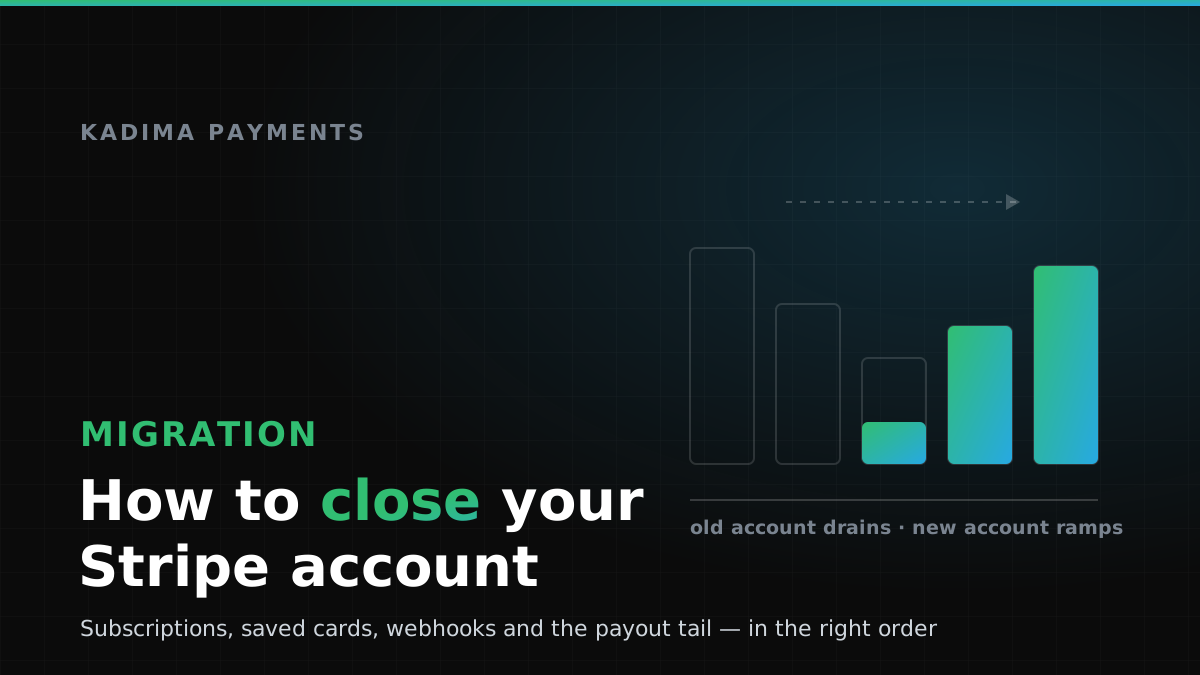
Point new checkouts at the new processor first and leave the old integration in place, read-only, to finish what it started. A hard cutover on a single evening is what creates downtime; a staged one does not. In practice that means roughly one billing cycle where new customers are charged on the new account while the old one can still refund and respond to disputes. Two live integrations for a few weeks is not untidy — it is the cheapest insurance in the migration.
Migrate saved cards the supported way
If you store cards on file, this is the single step that decides whether your migration is invisible to customers or a churn event. Do not try to export card numbers yourself — you almost certainly do not hold the PCI scope to receive them, and a spreadsheet of PANs is a compliance incident waiting to be discovered.
The supported route is a data-migration request: Stripe transfers the stored payment credentials directly to your new provider’s PCI-compliant environment, processor to processor, with no card data passing through your systems. Both sides have a process for this and neither is instant. Start it early and confirm in writing what will be transferred: the credentials themselves, the network tokens, and whether the mapping between your customer IDs and the new tokens comes with them. Skip this step and your alternative is asking every active customer to re-enter a card — a meaningful share of them simply will not bother.
Give recurring billing a cutover date
Subscriptions are where migrations quietly double-bill. Pick a date, cancel the recurring schedules on the old account for periods after that date, and create the equivalent schedules on the new one — matching the anchor day, the proration behaviour and the trial end dates, not just the amounts. Then reconcile a single test cohort before you move everyone. Subscription businesses carry a dispute profile that underwriters look at closely, which is part of why aggregators get twitchy about them in the first place; see why processors shut businesses down for what that looks like from the risk side, and our subscription and SaaS payments page for how a dedicated account handles it.
Export everything while you still have access
Pull the full transaction history, payout and settlement reports, refund records, dispute cases with their evidence and outcomes, customer and subscription objects, and fee reports. Three reasons: your new underwriter will ask for processing statements, your accountant needs the gross figures at year end, and you cannot reconstruct a dispute you cannot see. Export in a format you can still read in three years — CSV beats a screenshot.
Closing the Stripe integration in your code
“Close the account” and “close the integration” are different jobs, and doing them in the wrong order is how a migration ends up dropping events.
Rotate before you revoke. Restrict the old secret key to the operations you still need — refunds, dispute responses, reads — rather than deleting it outright, so anything still pointing at it fails loudly rather than silently in production. Retire webhook endpoints last: disputes, payout notifications and late captures all arrive by webhook, and an endpoint you deleted in week one is a notification you never received in week six. Keep the handler deployed, keep verifying signatures, and log what arrives even after you stop creating charges.
On the new side, do not port the old assumptions blindly. Idempotency keys, retry semantics, minor-unit handling and webhook signature verification are all provider-specific, and they are exactly where migrations introduce duplicate charges. Our developer documentation covers how Kadima handles tokenization, charges and signed webhooks, and what AI gets wrong when it writes your payment code walks through the failure modes that show up most often in hand-rolled or AI-assisted integration work — several of which are migration-specific.
The money that keeps moving after you close
Three things outlive the closure, and each one has burned merchants who assumed the account was finished when the dashboard said it was.
The payout tail. Your final balance settles on the normal payout schedule, not immediately. Keep the connected bank account open and unchanged until the last payout has cleared. Closing the bank account first is a genuinely common own goal, and unpicking a failed payout to a closed account is slow.
Chargebacks. Cardholders can dispute long after the sale — for many reason codes the window runs to around 120 days from the transaction or the expected delivery date, and some scenarios run longer. Those disputes land against the closed account. If the balance is zero, they become a debit you owe. Decide now who watches for them, and keep enough evidence exported to respond.
Held funds and reserves. If any reserve applies, it releases on its own schedule rather than at closure. Reserve structures in the specialty world commonly run around 5–10% held for up to 180 days; how rolling reserves work explains the release arithmetic, and it applies just as much to the account you are leaving as to the one you are joining.
One more that is not money but behaves like it: tax reporting. The closing year produces a 1099-K from the old processor and a separate one from the new, and the two together must reconcile to your books — which means gross volume, refunds and fees have to be exported before access ends.
The migration checklist
- Get approved first. Never close anything before the replacement account is underwritten, live and tested with real transactions.
- Open the card-data migration request with both providers — the long pole in most migrations.
- Cut new checkouts over to the new processor, leaving the old integration live for refunds and disputes.
- Move subscriptions on a fixed date, matching anchors and trials, and reconcile a test cohort.
- Export transactions, payouts, refunds, disputes with evidence, customers and fee reports.
- Restrict then revoke keys, and retire webhook endpoints last.
- Wait for the payout tail and any reserve release; keep the bank account open.
- Then close — and keep the exported records for your retention period.
What the next processor will ask for
Leaving voluntarily puts you in a far stronger underwriting position than leaving involuntarily, and you should use it: a merchant with clean statements and a business reason for moving reads very differently from one arriving mid-termination. Expect to provide three to six months of processing statements, three months of business bank statements, proof of business registration and ID, your site with clear terms, refund policy and contact details, and current chargeback ratios.
If your vertical is the reason you are leaving, say so plainly in the application rather than hoping it goes unnoticed. That is the entire premise of a high-risk merchant account: the risk is priced and underwritten up front instead of discovered later by an automated filter. What the high-risk label actually costs sets expectations on rates and reserves before you sign anything, and if your business runs on a platform or marketplace model, payment infrastructure and marketplace payouts cover the structures that aggregators struggle to express.
Leaving on your own terms
The merchants who migrate cleanly treat the close as the last step rather than the first: approved, tested, cut over, reconciled, drained, exported — and only then closed. In that order the customer never notices. In reverse, the customer notices immediately, and so does your finance team.
If you are weighing the move, Kadima will review your current statements and tell you plainly whether leaving is worth it, what your vertical realistically prices at, and how the cutover would sequence against your billing cycle. See if you qualify in about a minute, or call (888) 292-8555 or email [email protected] and we will walk through the timeline with you.
Plan the cutover before you close anything
Get underwritten, tested and live on a dedicated merchant account first — then close the old one on your schedule, with no gap in processing.